Home / Programming Fundamentals
What Is Programming: A Complete Beginner-Friendly Guide to Writing Code and Building Software
Programming is the process of telling a computer what to do, step by step, using a language it can follow. If you have ever opened a blank file and felt unsure where to begin, you are not alone. This guide explains what is programming for beginners explained in a clear, practical way, so you can understand how code becomes software and where to start learning today.
At its core, programming means solving a problem with precise instructions. Humans can guess what someone means even with incomplete directions, but computers need exact steps. A program is a list of those steps, written so the machine can read and follow them. When you write code, you are creating a recipe the computer can run again and again.
What programming actually is
Programming is about communication. You choose a programming language, write statements that describe actions, and the computer carries them out. Languages like Python, JavaScript, and C# exist because different tasks benefit from different tools, but the idea is the same: you describe input, processing, and output.
A simple mental model helps. A program takes data, performs operations on it, and returns a result. The data might be text, numbers, images, or signals from a sensor. The operations might be sorting a list, checking a rule, or drawing a button on screen. The result might be a message, a saved file, or an updated app.
How code becomes software
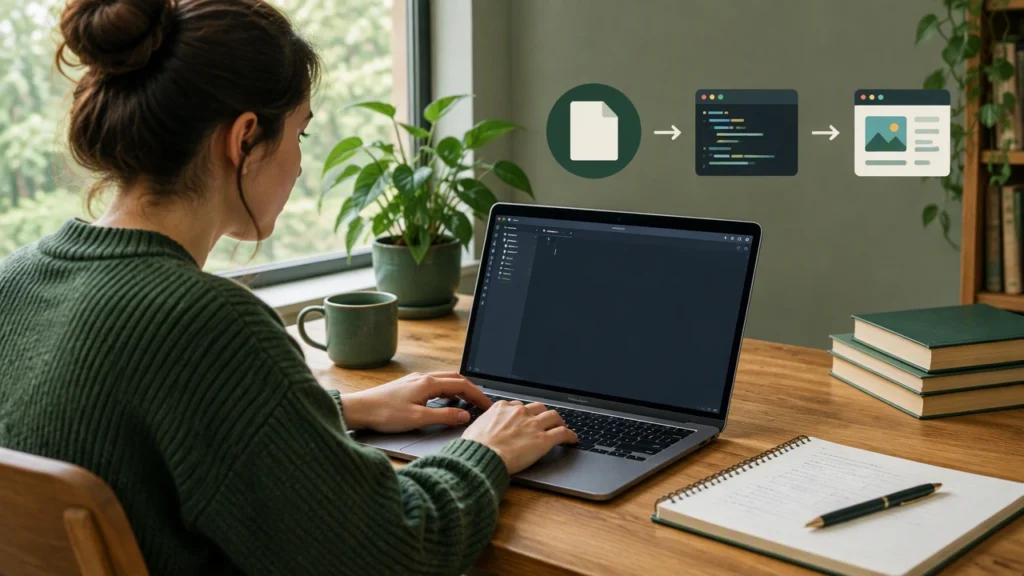
Code is the text you write. Software is the finished product people use. The path between them usually includes these steps:
- Writing: You type instructions in a file using a code editor or integrated development environment (IDE).
- Running: An interpreter or compiler reads your instructions and performs them. Some languages run directly; others are translated first.
- Testing: You check whether the program behaves as expected in different situations.
- Packaging: You bundle your code and its dependencies so others can install and use it.
- Maintaining: You update the program as requirements change, fix bugs, and improve performance.
In practice, you will move through these steps many times. Programming is iterative. You try something, learn from the result, and improve it. That is why starting with small projects is powerful: you get fast feedback and build confidence.
What beginners actually write
Early programs often do simple tasks, and that is a good thing. Simple does not mean useless. It means you can focus on understanding the fundamentals without getting lost.
Here are a few examples of beginner-friendly programs:
- Calculator: Read two numbers, choose an operation, and display the result.
- To-do list: Add tasks, mark them done, and show the remaining items.
- Text game: Ask questions, respond to user input, and track score.
- Data cleaner: Read a list of names, remove duplicates, and sort them.
Each of these projects touches core ideas: variables that store values, conditions that make decisions, loops that repeat work, and functions that organize logic. These building blocks appear everywhere in software.
The building blocks you will learn first
Most languages share a common foundation. Once you see the pattern, new languages become easier to learn.
Variables and values
A variable is a named container. You put a value inside it and use the name later. For example, a variable called score can hold a number that changes as a game progresses.
Conditions
Conditions let your program choose different paths. If a user is logged in, show the dashboard. If not, show the login screen. This kind of decision-making is central to software.
Loops
Loops repeat actions. Instead of writing the same instruction ten times, you write it once and let the computer run it in a loop. Loops are essential for tasks like reading files, processing lists, and updating screens.
Functions
A function is a reusable piece of logic. You give it a name, provide inputs, and get outputs. Functions help you keep code organized and readable, which matters as projects grow.
How computers run your code
Computers follow a basic cycle: read an instruction, perform it, then move to the next. In interpreted languages, a program called an interpreter reads your code line by line. In compiled languages, a compiler translates your code into machine instructions before running it. Either way, the result is the same: the computer performs the steps you described.
Understanding this cycle helps when things go wrong. If your program crashes or shows an unexpected result, you can trace the steps, check the inputs, and find where the logic diverged from your intention.
Why programming is worth learning
Programming opens doors. It helps you automate repetitive work, analyze data, build websites, create apps, and collaborate with others on technical projects. Even outside software careers, programming improves problem-solving and logical thinking. It teaches you to break big tasks into small, testable pieces.
Learning to program also builds resilience. You will make mistakes. Programs will fail. That is normal. Each error message is a clue, and each fix is a small win. Over time, you develop a calm, methodical approach to challenges.
A realistic path for beginners
Progress comes from steady practice. Here is a simple plan you can follow:
- Choose one language: Python is a popular choice for beginners because it reads almost like English and has a large community.
- Set up your tools: Install a code editor and learn how to run files from the terminal or editor.
- Learn core concepts: Focus on variables, conditions, loops, and functions before jumping into advanced topics.
- Build small projects: Start with a calculator, a number guessing game, or a text-based to-do list.
- Read other people’s code: Look at short examples, study how they are organized, and try modifying them.
- Ask for feedback: Share your code, describe your goals, and request specific suggestions.
Consistency beats intensity. Thirty minutes a day can move you forward faster than a single long session each week.
Common beginner mistakes and how to avoid them
Beginners often try to learn everything at once. That leads to confusion. Pick a small set of topics and master them before moving on. Another common mistake is skipping the basics to jump into frameworks or libraries. Frameworks are useful, but they rely on the fundamentals you need to understand first.
It also helps to write code for yourself, not just to copy examples. Typing and changing small programs helps you see cause and effect. If something breaks, fix it intentionally. That is how you build real skill.
Where to start today
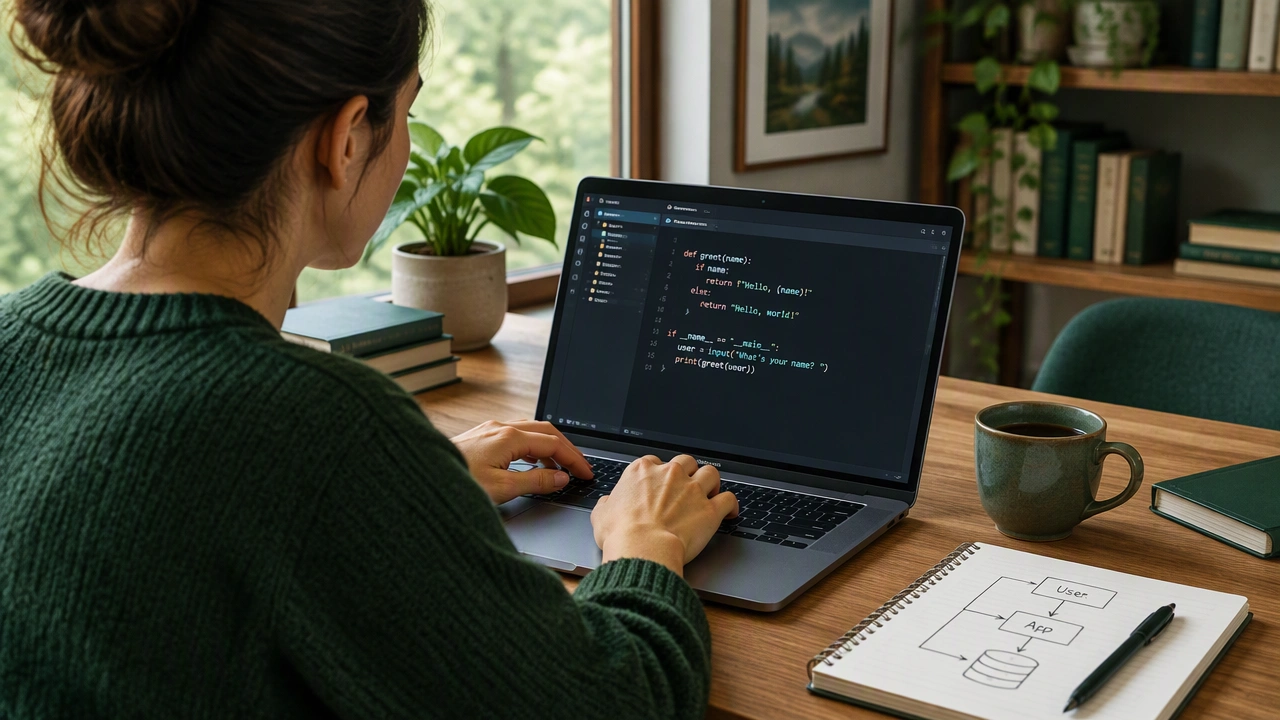
Start with a blank file and a simple goal. Write a program that asks for a name and prints a greeting. Then expand it: ask for the current hour and choose a message based on the time. Next, add a loop that lets the user try again. These small steps turn abstract ideas into concrete experience.
Programming is not about memorizing every command. It is about learning how to think clearly, test your ideas, and improve them step by step. With patience and practice, your blank file becomes a working program, and that program becomes the foundation for the software you want to build.