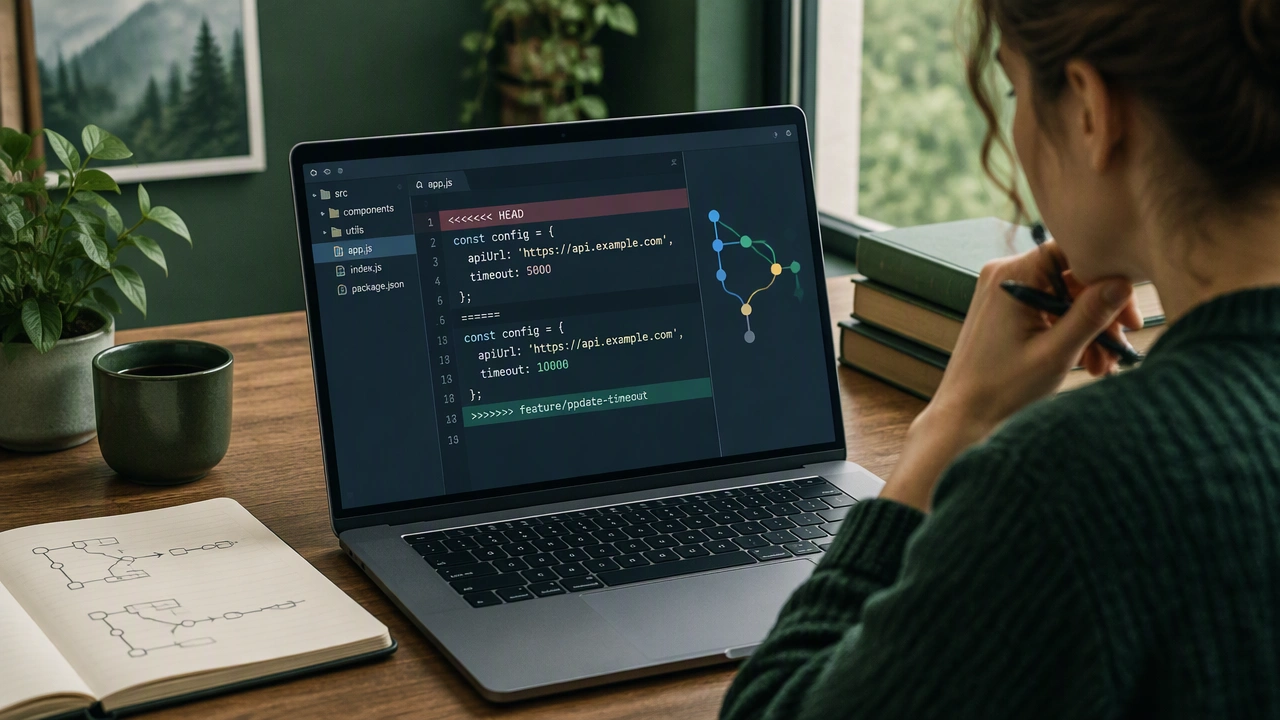
Git merge conflicts occur when two branches modify the same lines of a file or when one branch deletes a file that another branch modifies. Git cannot automatically determine which change to keep, so it marks the file with conflict markers showing both versions. To resolve conflicts, open the affected file and look for the markers that indicate the incoming and current changes. Decide which version to keep, remove the conflict markers, and save the file. Using a visual merge tool like VS Code or Meld makes this process much easier by presenting both sides clearly. After resolving all conflicts, stage the files with git add and complete the merge with git commit. To minimize conflicts, pull frequently, keep feature branches short-lived, and communicate with your team about which files each person is working on.